Quick start
From opening the bot to your first share in a few minutes - the registration step by step, the welcome bonus and the free voyage.
On this page
This page takes you from the first tap to your first voyage. You open the game in Telegram, finish a short registration of four steps, get the welcome bonus, and put your free share on a tanker. It takes a few minutes.
Open the game
Oil Voyage is a Telegram Mini App: it runs only inside Telegram. You can open it in three ways:
- From the bot. Open @OilVoyageBot in Telegram and press Start. The bot answers with a short menu. Tap ⛴ Open Oil Voyage. The Play button next to the message field opens the game too.
- From a friend's invite link. A link like
t.me/OilVoyageBot?startapp=…opens the game directly. - From the website. The Play buttons on oil-voyage.fun open the game in Telegram.
Your game account is created the first time you press Start in the bot or open the Mini App. At that moment you also receive the welcome bonus of 1 🛢️.
Tip
If a friend invited you, open the game through their link the very first time. A friend is attached to you only when your account is created. A link you open later changes nothing. See Referrals.
If you open the game in a normal web browser, you only see a page that says Open in Telegram. Open it from Telegram instead.
The registration
Before the game starts, the Mini App shows a welcome screen with four steps. The main button at the bottom of the screen reads Next. From step 2 on, a back arrow takes you one step back.
The registration is saved only at the last step. If you close the app earlier, it starts again at step 1.
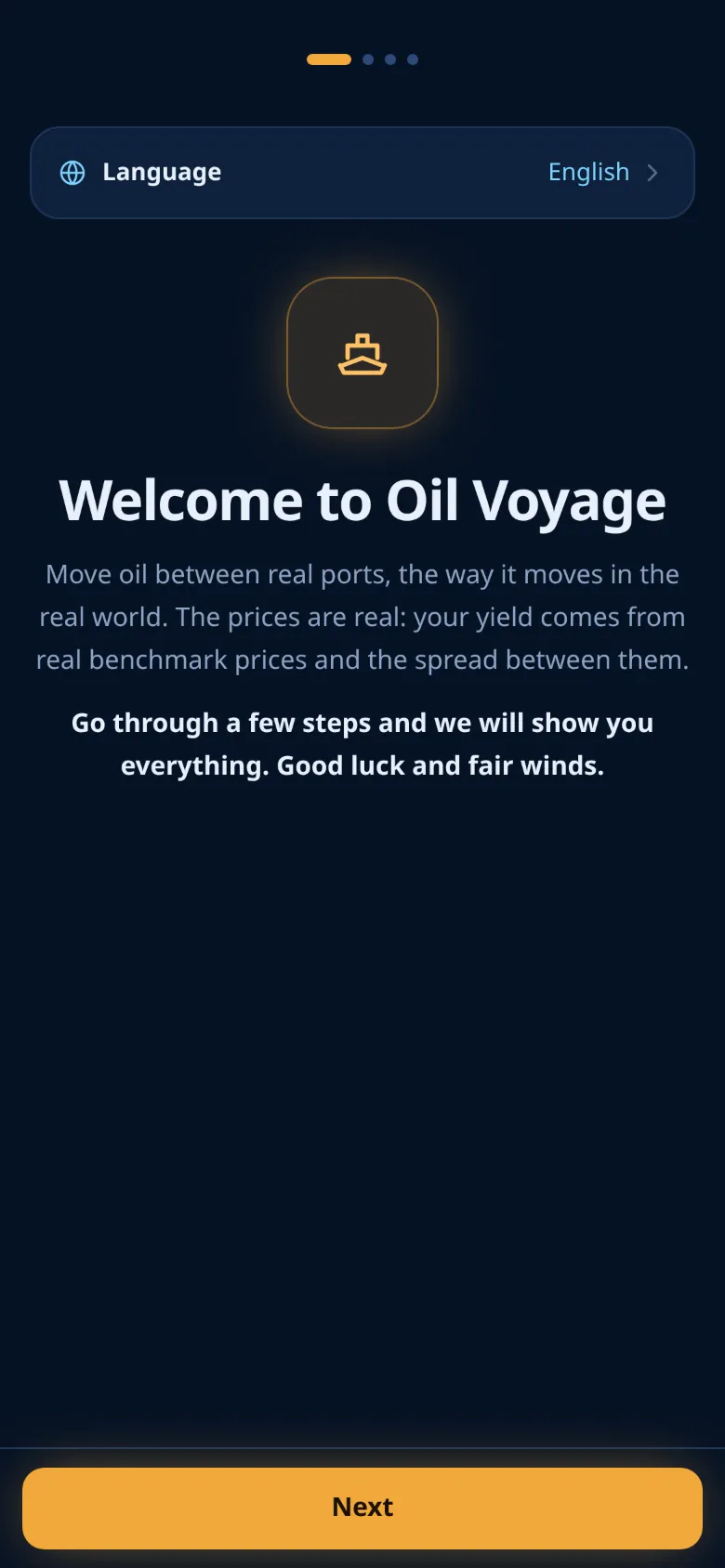
Step 1: language
Tap the Language row and pick one of the eight languages. The whole screen switches at once. You can change the language later in Profile.
Step 2: three confirmations
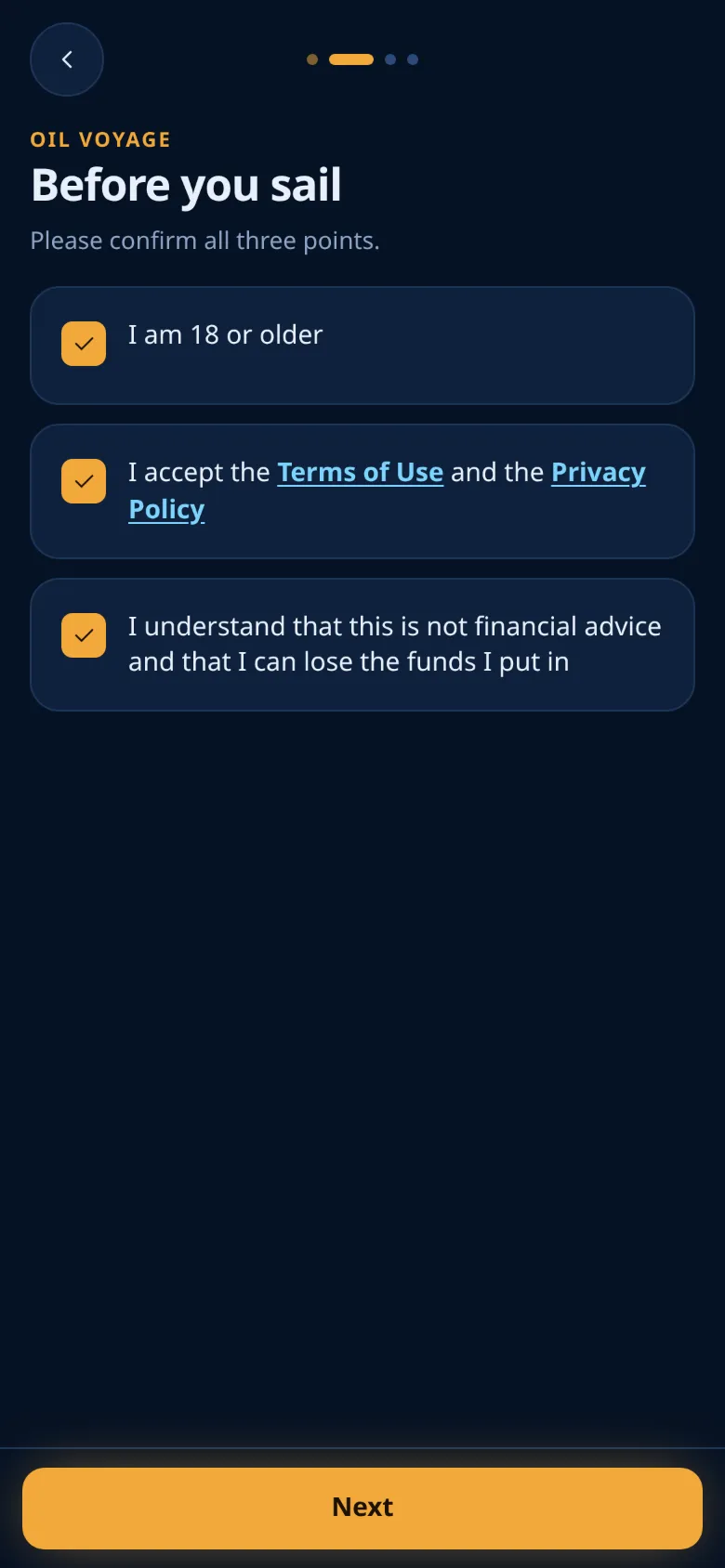
The step Before you sail has three boxes. Tick all three:
- I am 18 or older.
- You accept the Terms of Use and the Privacy Policy. The two links open the documents in your browser. Opening them does not tick the box.
- I understand that this is not financial advice and that I can lose the funds I put in.
Next stays disabled until all three boxes are ticked.
Step 3: your flag
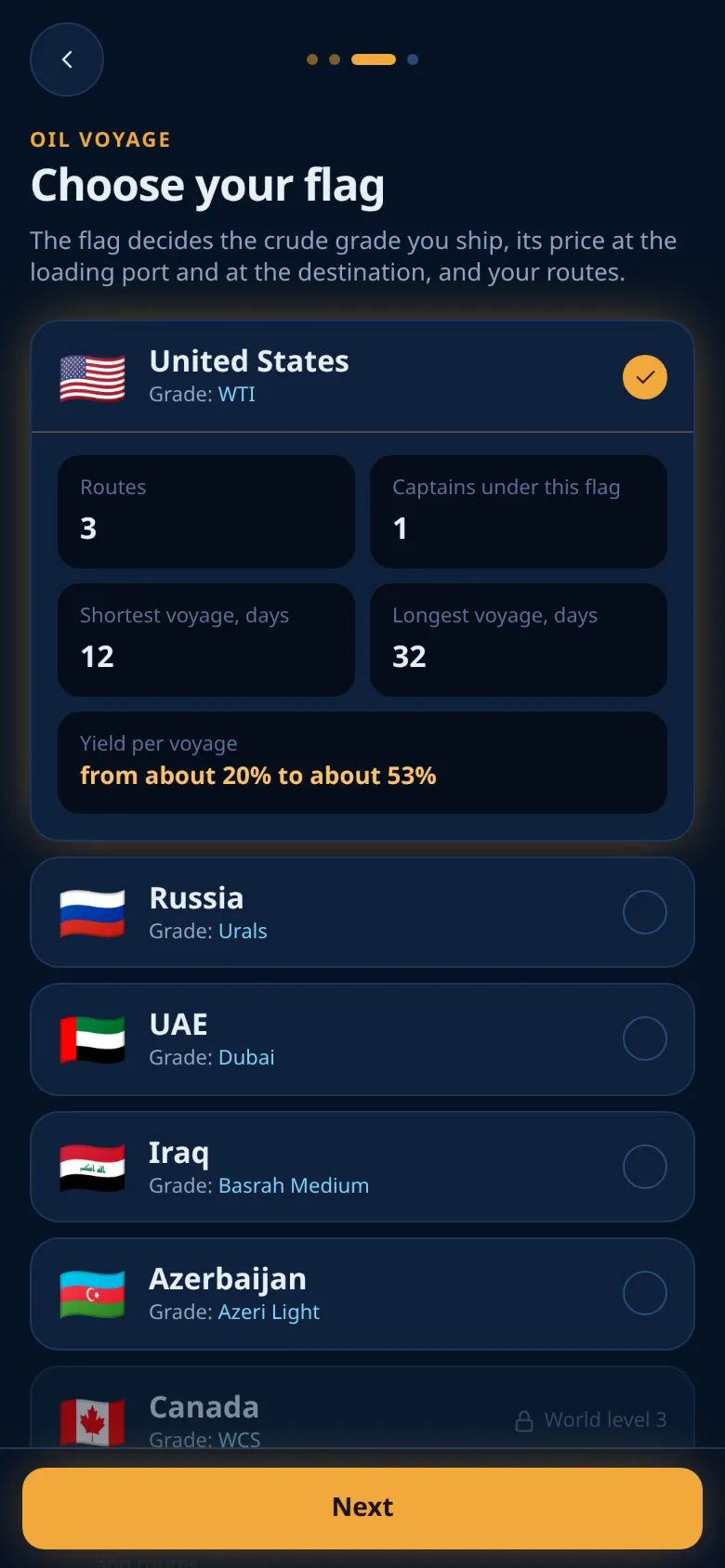
In Choose your flag you pick the country you sail for. The flag decides the crude grade you ship, its price at the loading port and at the destination, and your routes. There are 6 flags, and 6 of them are open now. A flag that is not open yet is grey and shows a lock.
Tap a flag to see its card: Routes, Captains under this flag, Shortest voyage, days, Longest voyage, days and Yield per voyage. The yield on this card is the base rate only. The market move comes on top and can be positive or negative.
You can change your flag later in Profile, for free. See Flags and countries.
Step 4: the tour
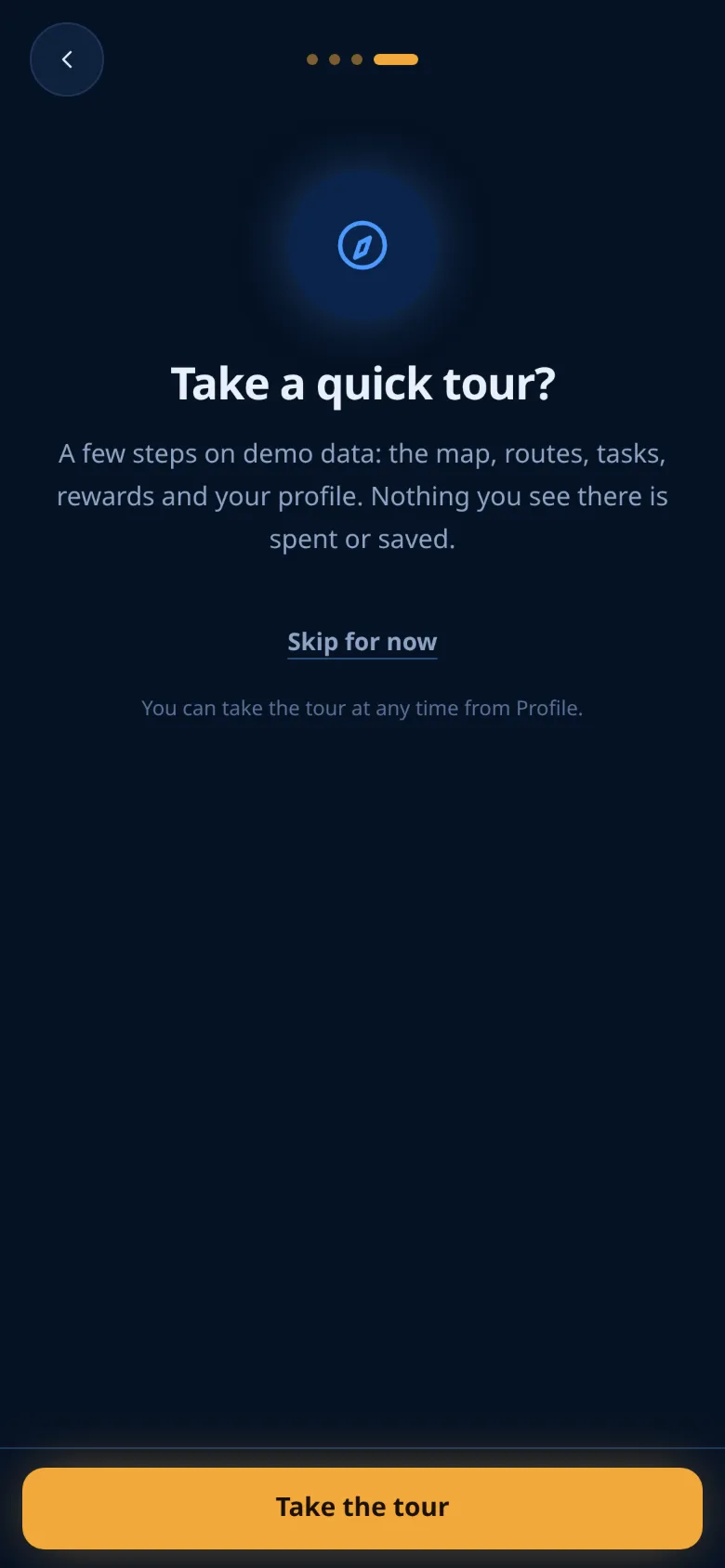
The last step asks Take a quick tour? The tour shows the map, routes, tasks, rewards and your profile on demo data. Nothing you see in the tour is spent or saved.
- Tap Take the tour to start the tour.
- Tap Skip for now to go straight to the map.
Both buttons finish your registration. You can take the tour again at any time: Profile → Take the tour again.
The welcome bonus
After the registration, or after the tour, a short message shows your welcome bonus:
- The welcome bonus of 1 🛢️ is already on your balance.
- One free voyage, while the game offers it: a share of 1 🛢️ that the game pays for you. Nothing is taken from your balance.
The welcome bonus is a bonus balance: you can use it in voyages, but it can never be withdrawn. What you earn with it can. See Withdrawals.
The free share earns like any other share. When its voyage pays out, the whole payout goes to your balance. A free share cannot be cancelled.
Your first share
- On the Map tab, look at the row of cards above the tab bar: Tap a port to trade. Each card is a tanker of your flag in port. You can also open the Routes tab and look under In port.
- Tap a tanker. Its sheet opens with the cargo, the route and the length of the voyage.
- Tap Use free voyage. Your free share goes on board.
- To add your own wBarrel, type an amount and tap Buy a share. Before you buy, the sheet shows the Expected on arrival: your share plus the base rate. The market move is added when the voyage settles.
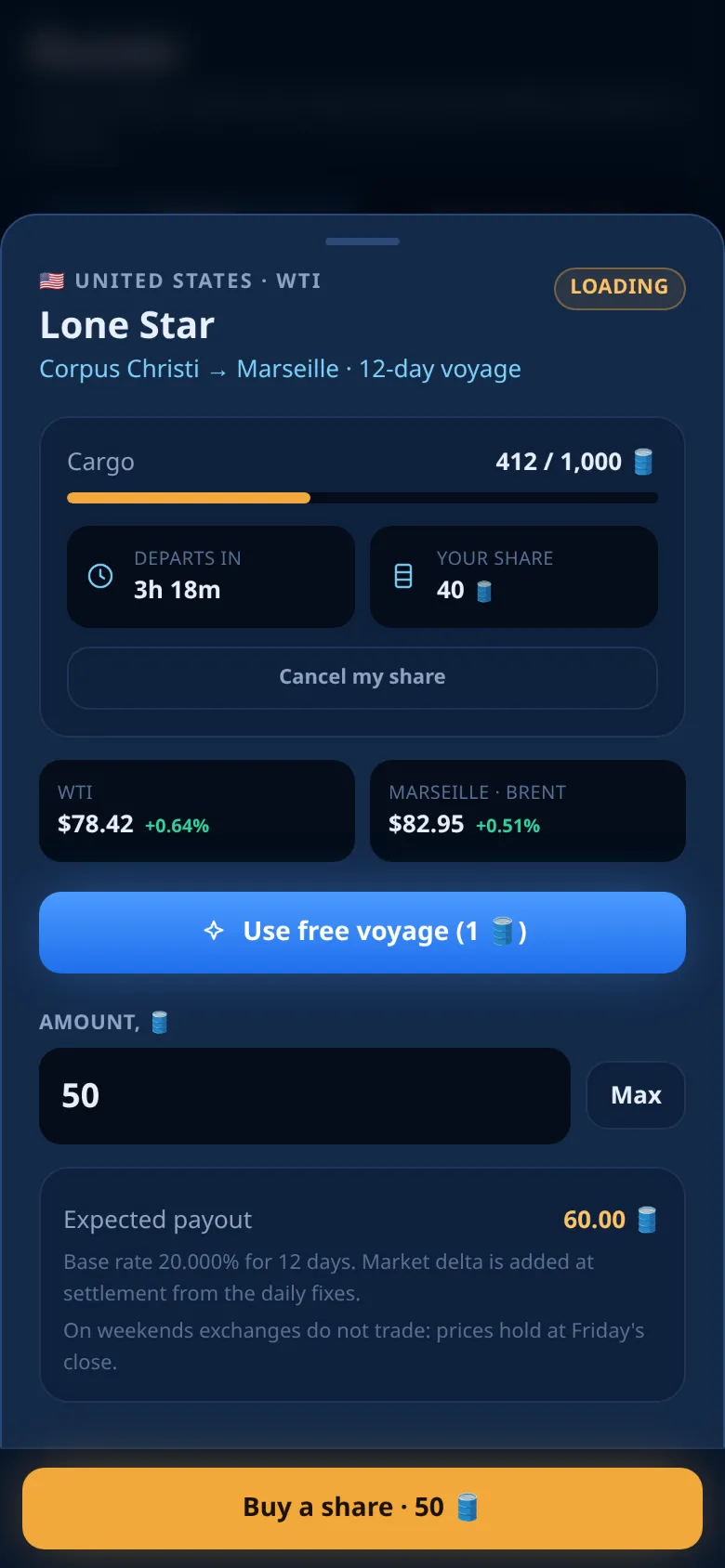
The first share on an empty tanker starts the loading. The tanker departs after 6 hours, or earlier if it is full. While it is loading, other captains can still add their shares.
After your very first share, the app may offer two things, once each:
- Notify me lets the bot message you when a voyage pays out. We recommend it.
- Add to home screen puts a shortcut to the game on your phone's home screen.
You can skip both with Not now.
What happens next
- The tanker sails. It sails its route for the number of days shown on the sheet. You can follow it on the map.
- It arrives and unloads. Unloading takes 6 hours. If the port is busy, the tanker waits in a queue first. A tanker that arrives on a Saturday or Sunday (UTC) waits until Monday. See Weekends.
- You are paid. The payout goes to your balance by itself. The next time you open the app, a screen shows how much your voyage paid. If you allowed messages, the bot tells you too.
While you wait, claim your daily streak on the Tasks tab and look at the tasks.
Important
Oil Voyage is a game, not an investment. There is no guaranteed income, and you can lose part or all of what you put in. Start with the welcome bonus and the free voyage to learn how the game works.
Next: learn the voyage cycle, or see how to top up.
Ready to sail?
Open Oil Voyage in Telegram and load your first tanker.